My phone
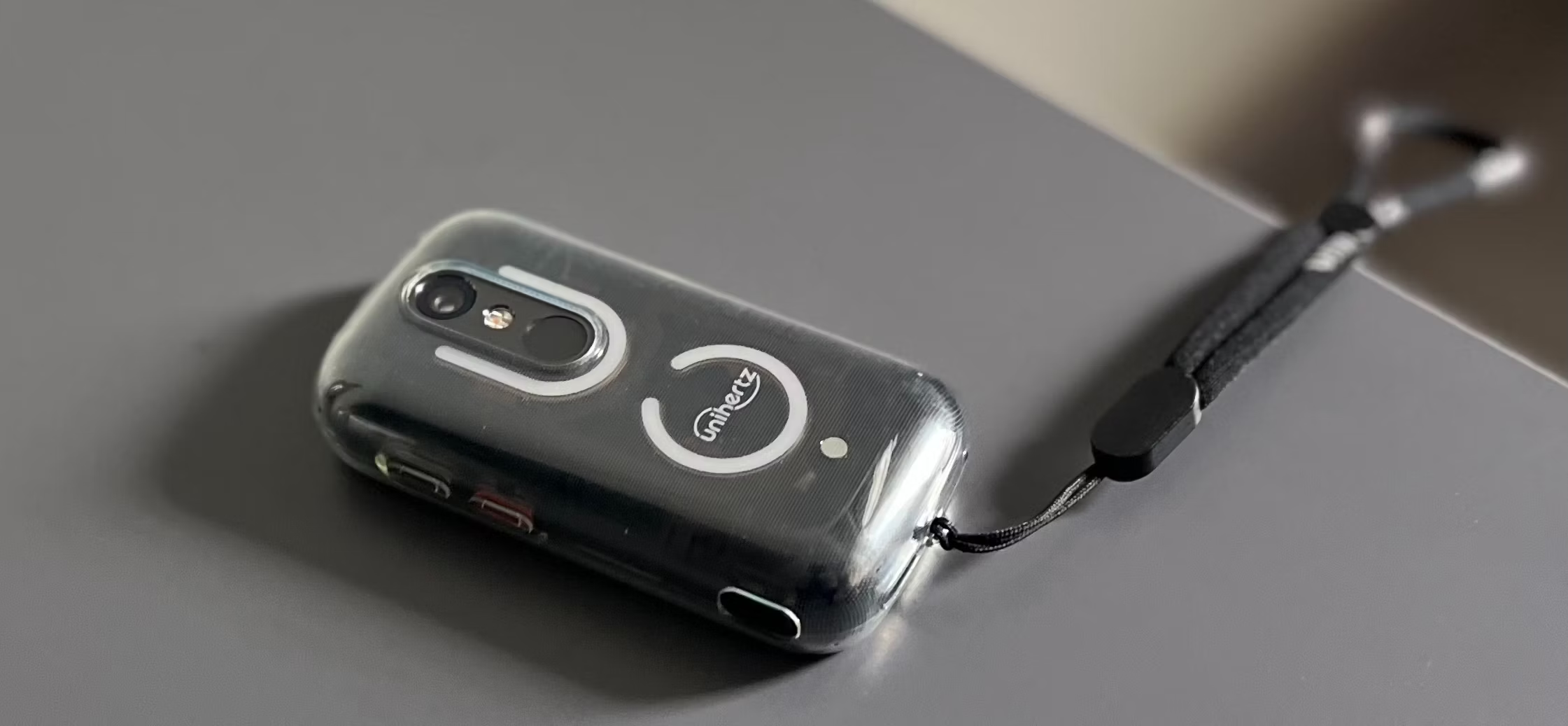
Since October 19th of this year, I’ve been using the Jelly Star, a small bean-shaped piece of plastic that happens to be the smallest smartphone that runs Android 13.
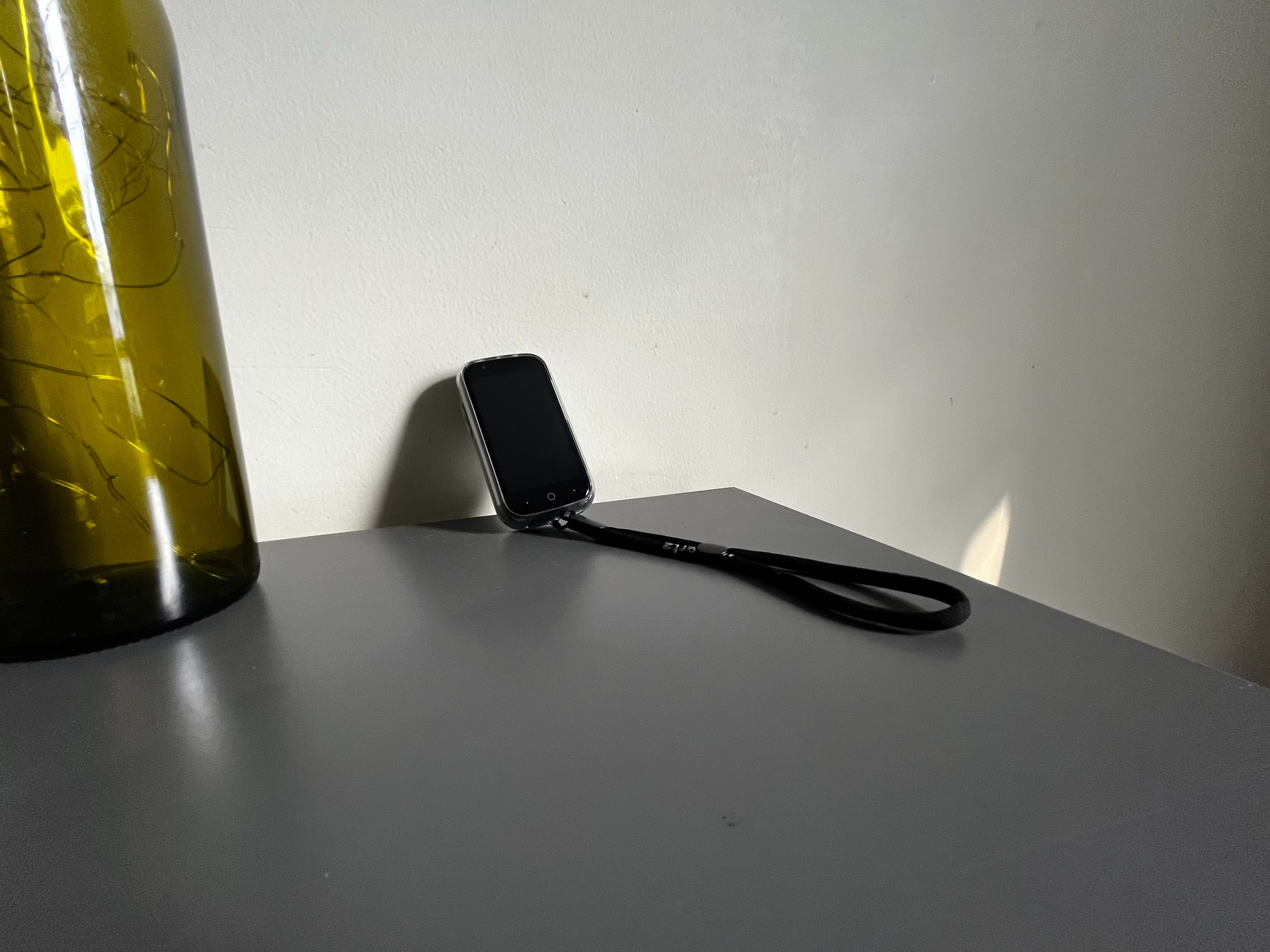
The Small J…
context
The Jelly Star is a ≲$200 product from a Shanghainese smartphone manufacturer:
Alert: relevant lobste.rs note:
It’s looked at mainly by the “dumbphone” community, but usually dismissed for being just a small Android smartphone that doesn’t necessarily restrict you from doing anything addictive on it. It does still make things more difficult – scrolling is less pleasurable, and many applications are harder to navigate, so some find their screentime reduced by switching to the ‘Star – but admittedly, I don’t have much of a problem with screentime (spoiler) on phones… and hence am probably not the target audience for this phone.
Personally, I’m coming from an iPhone 8, before which I used an iPhone 7, both of which are considered “small” phones by today’s standards, a notion which I’ve found humorous since far before I tried the Small J.
comments on size
The Small J has a 3” (diagonal) screen of 854 by 480 pixels. This reads like a low resolution, but it’s actually a very high pixel density at this size looking extremely sharp at around 330 PPI – that’s around triple the pixel density of a 32” 4K monitor. It’s not the brightest display, honestly, but it gets by alright.
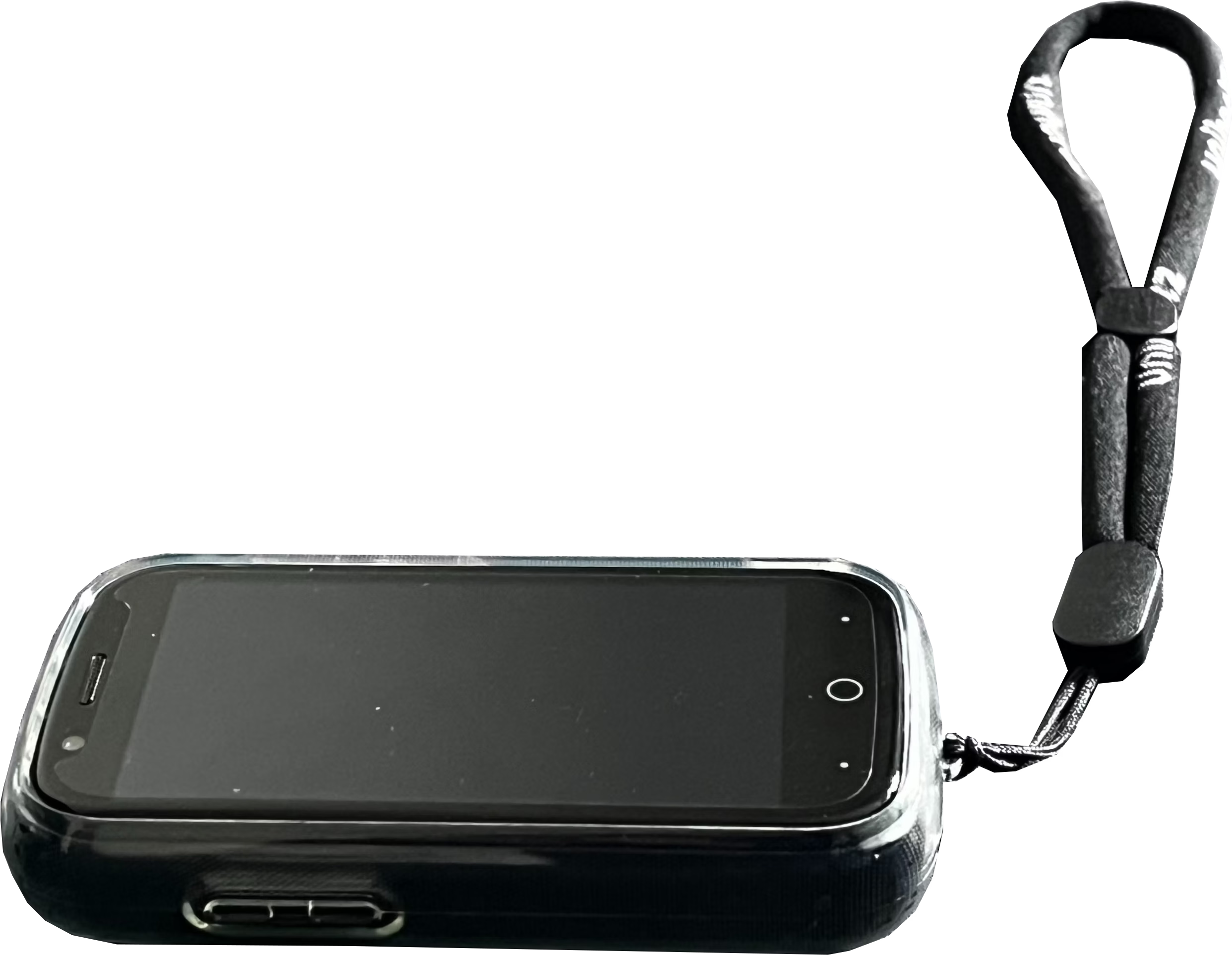
In terms of overall phone size, the Small J is <5cm wide and ~9.5cm tall.
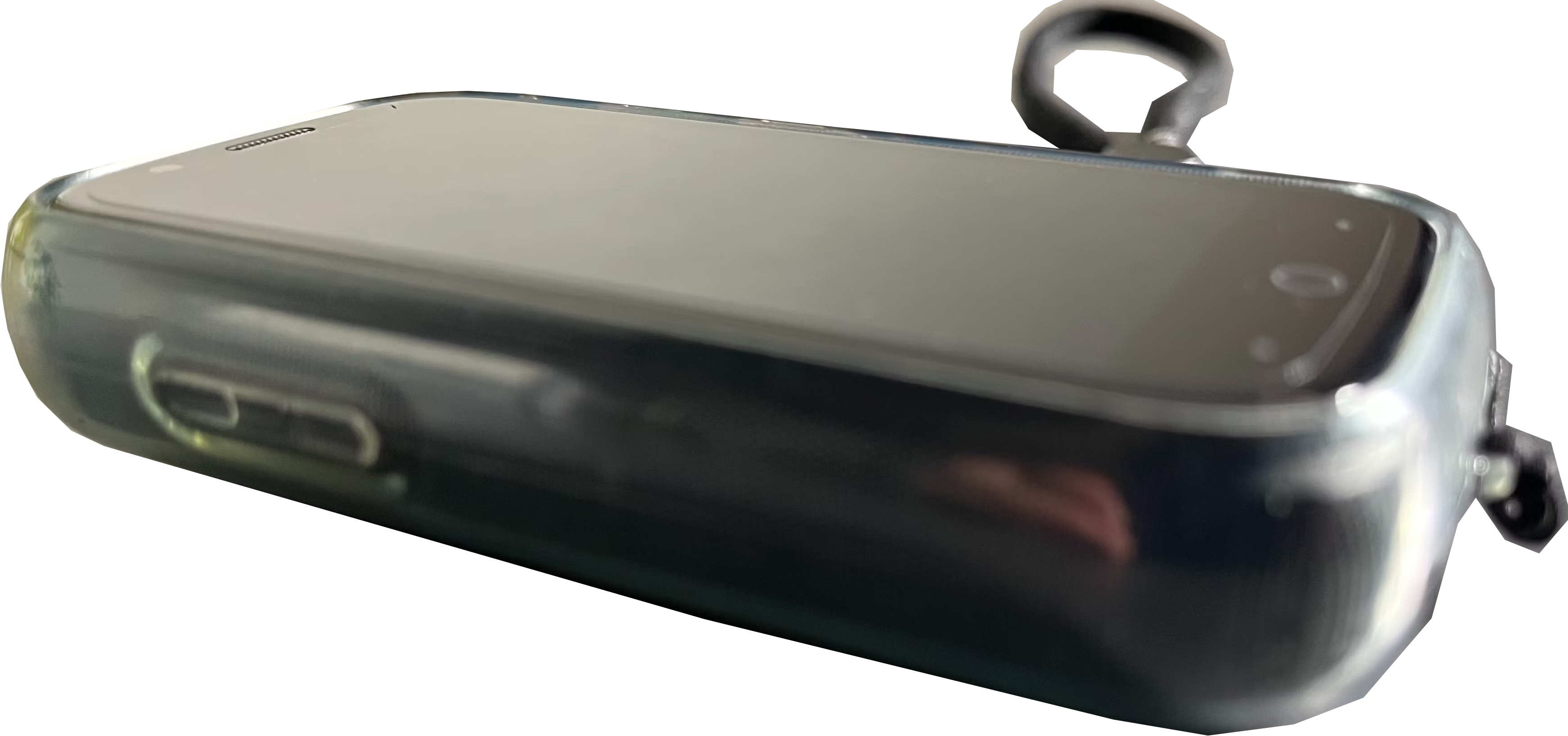
Its small size requires it to be disproportionately thick – at ≲2cm thick, the Small J can feel very much like a bean!
@@aZK@Q@z>YK4#@zaEK@
R@dp5$R^       \qbfA
B$RR/      _    4R@g
pzAA     /__uwzzAR@q
Rkgg\    /g$$RR0gB$R
EK@#@>yjK@@22ZKK#Q@2
battery life
I haven’t seen praise for this phone’s battery elsewhere, but in my opinion, the battery life on the Small J is awesome. It lasts me two days, or at the minimum, a full day of normal use, and it really could last longer. According to a more formal benchmark, it gets 7 hours of streaming a YouTube video over Wi-Fi at max brightness, but I highly doubt anyone is buying this phone to do that – of course, even my own experience and aforementioned numbers, too, are influenced by what I do on my phone.
camera
The rear camera is 48mp, I’m reading that off the specsheet. It’s decent – it reminds me somewhat of mid-2010s flagship Android phones. Some people have taken very good photos on it, and in my experience it also often happens that one lucks out and snaps something beautiful by coincidence of good lighting and artistic eye.
The selfie camera is alright too. The biggest problem with taking photos on the selfie camera is probably that The Jelly Situation™ is harder to hold still than a slightly bigger, heavier phone, if held out in front of you. Both cameras suffer from poor lowlight performance, but it’s not a huge issue.
internals
There’s not much for me to say about the specs, as the MediaTek Helio G99 is more than enough for what you’d realistically use the phone for (given itself). It’s got 8GB of RAM and 256GB storage. They’re plenty.
unlock
The Small J has the fastest, most accurate face ID unlock I’ve ever seen. It’s snappier than any latest-gen iPhone or the other modern Android I’ve used, and works from multiple angles!
The other method of unlock, the fingerprint reader, on the other hand, is hot trash. I can count on my fingers the number of times it has worked for me. Even though my fingerprints aren’t in perfect condition, I am also not the only one facing this problem.
’n more
- It has a headphone jack!
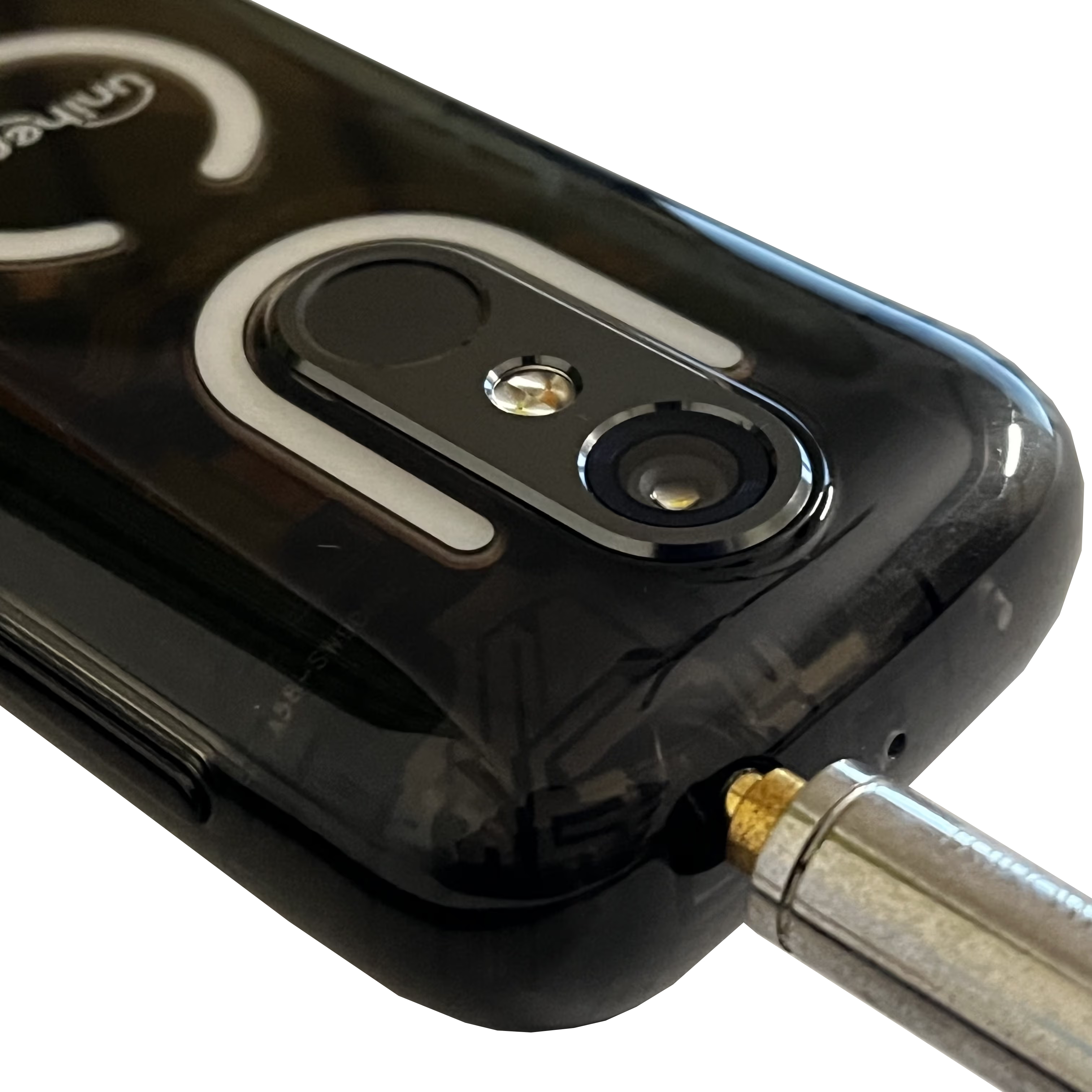
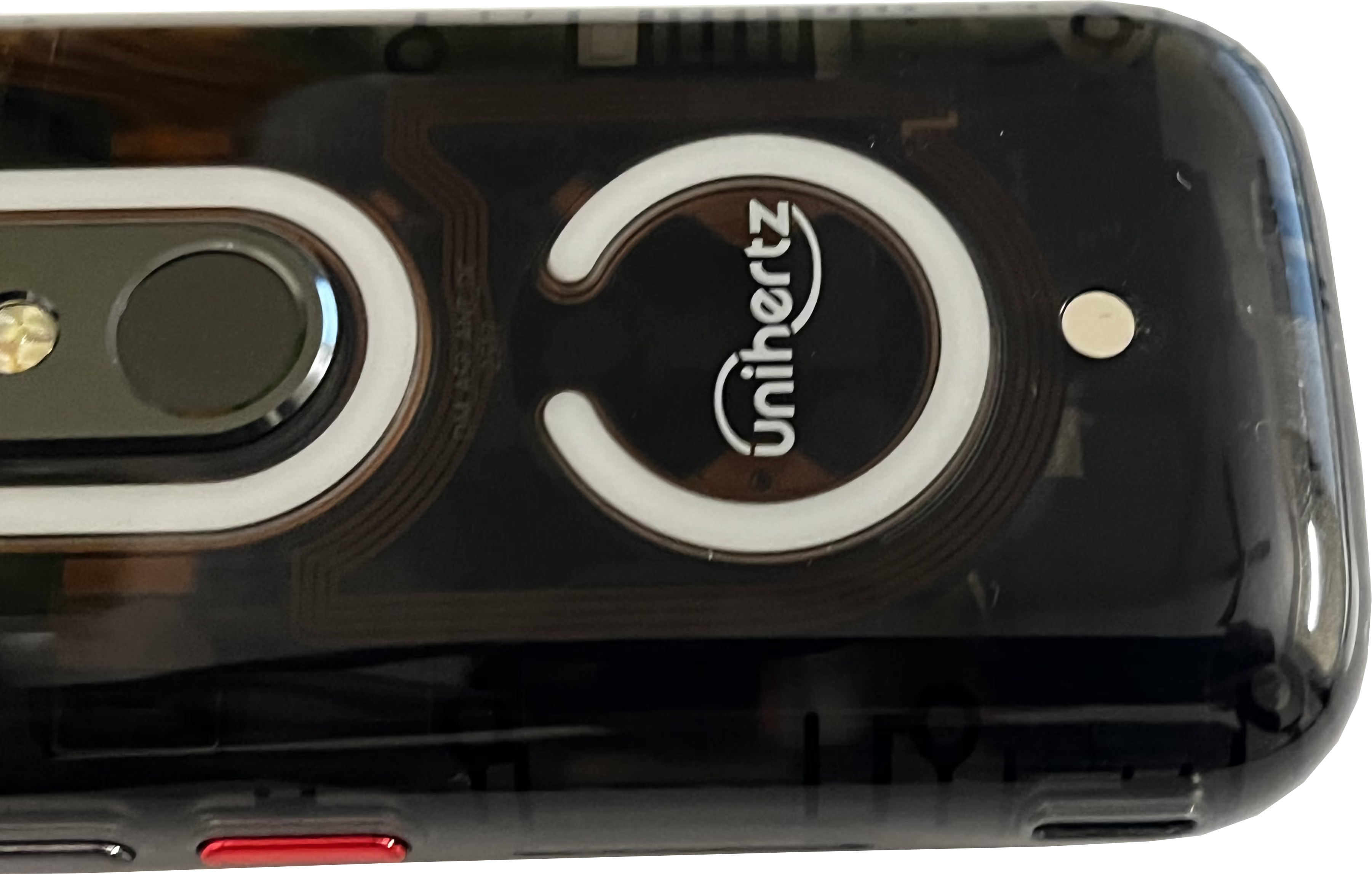
Another rare inclusion, and audio quality out of it is decent! - It has lights on the back! They flash about when your phone rings, but I didn’t set them up again after debloating my phone.
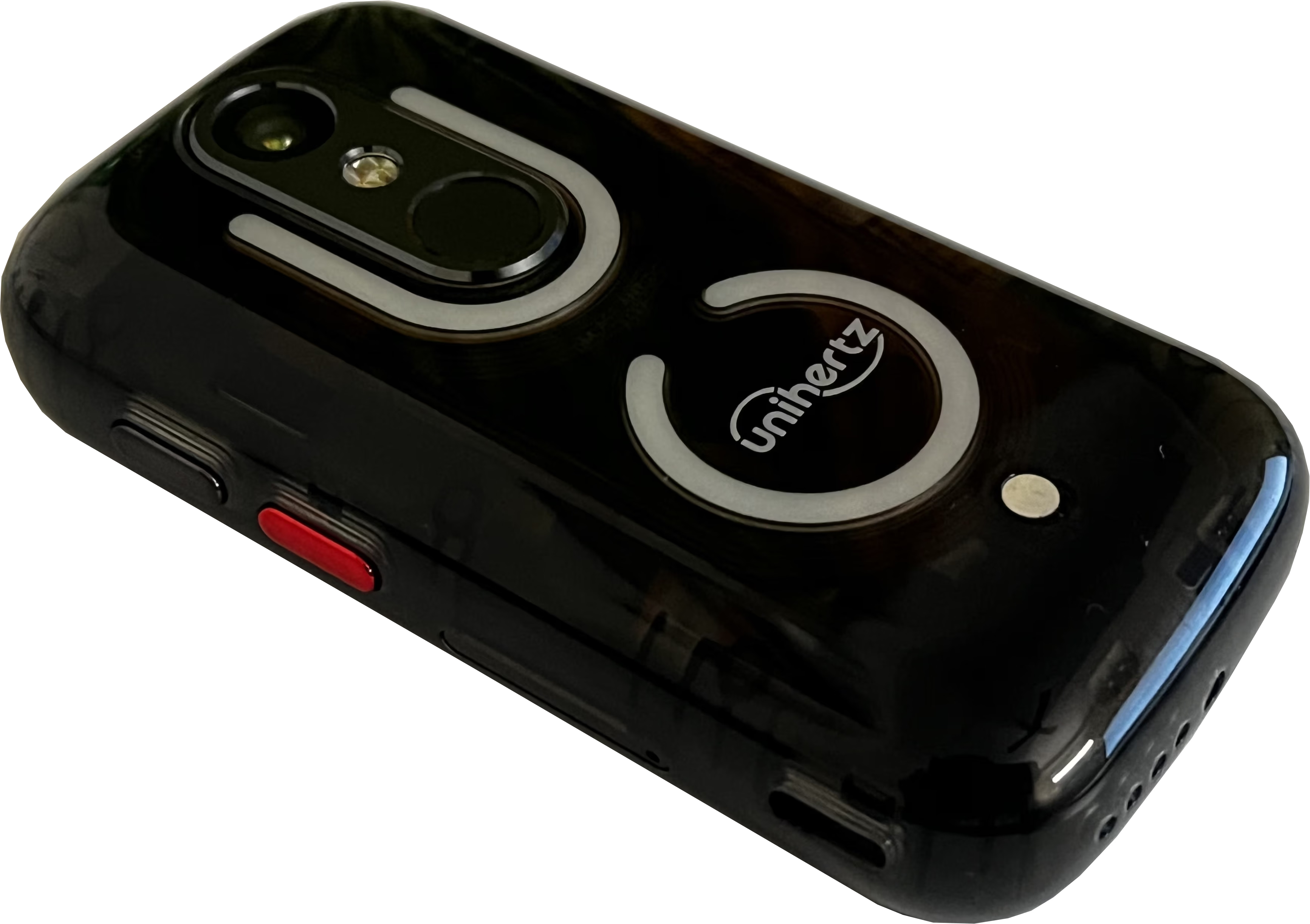
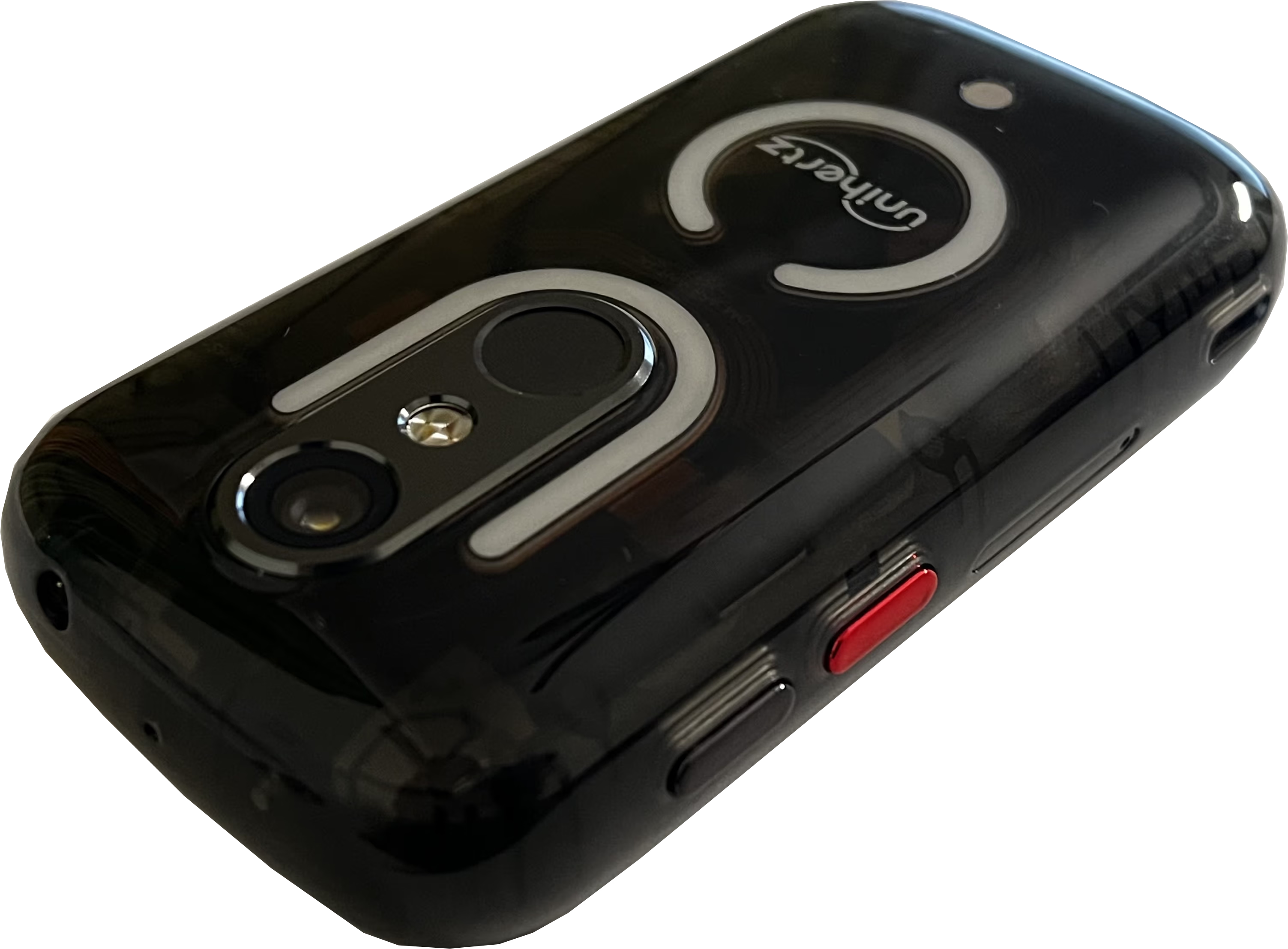
- It comes with a lanyard!
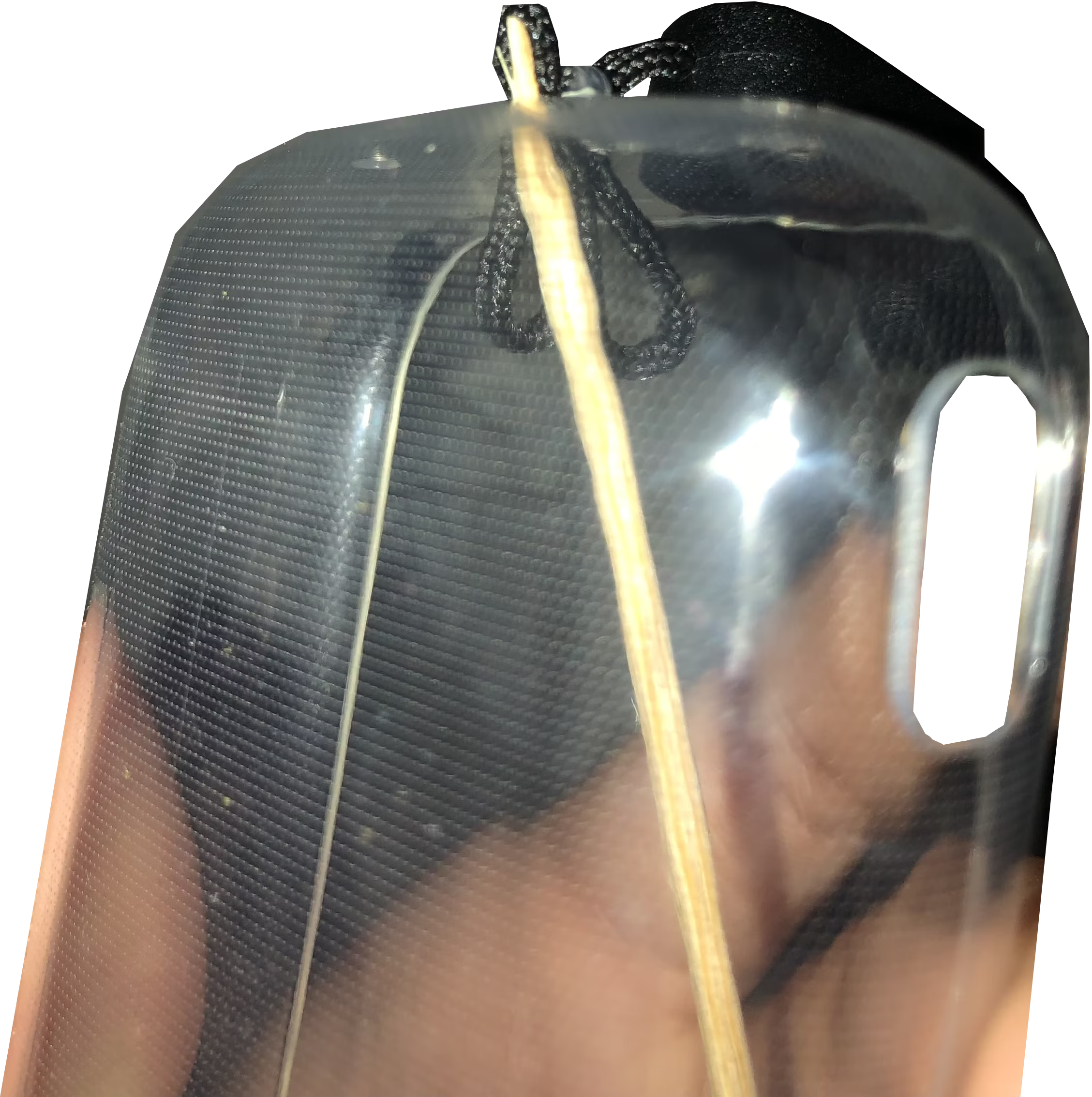
Installation requires something pointy 
Incredible utility! - The rubber case it comes with can get pretty disgusting. I might look into 3d printing one later.
- It has an “action button”
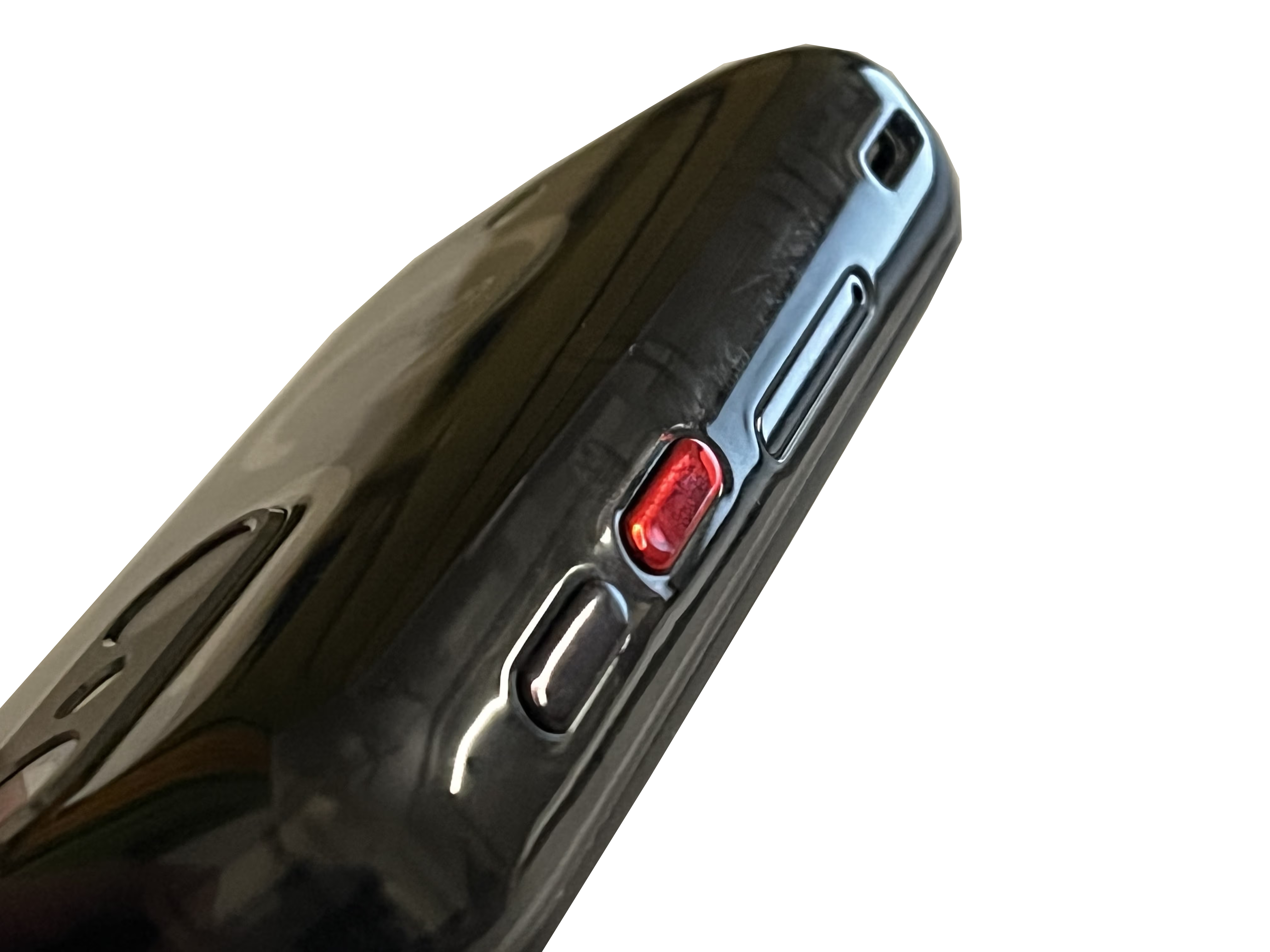
I've got it set to turn the flashlight on! Also in view, is the unorthodox placement of USB-C: on the side - It supports an SD Card along with the SIM.

Review
Overall, from my two months of initial excitement, I really like this phone. It feels great to have gone from dinner plate to pocket watch; admittedly I don’t use my phone much and am hence probably not the target audience for a “dumb” phone, but downsizing is always nice and switching to Android, at least for me, is a plus for how open it is – for example, transferring files to or from my computer is effortless over MPT.
More objectively, the Jelly Star is just one of a kind. From my experience browsing through pages of products catering to the audience the Small J does, I’ve noticed that most niche things are expensive, and often critically flawed. The J-Small stands almost alone in how powerful and featureful it is at its affordable (even if subjectively not “cheap”) price.
The default Android install, however, is too crowded…
Debloat
After nearly two months of daily use, today, I decided to finally make this phone mine and get rid of most of the default apps and vendor bloatware.
The Universal Android Debloater started as a bash script using the Android Debug Bridge to debloat even non-rooted phones. About four years ago, it was rewritten in Rust and given a GUI. It’s also pretty harmless in terms of ability to brick phones, so I gave it a go.
I downloaded the Linux version from their releases page, giving me a version of the app which the README recommends, that has a Vulkan backend, and another version with opengl. However…
making uad work on wayland
Neither of aforementioned two versions worked for me.
After some troubleshooting, I figured out that I had to use environment variables winit_unix_backend=x11 and gdk_backend=x11 in my shell due to Wayland. Without these, I was getting errors along the lines of interface 'wl_surface' has no event 2 and re-initializing gles context due to wayland window.
I believe I also had to set utf-8 to avoid xkbcommon errors:
export LANG=en_US.UTF-8
export LANGUAGE=en_US:en
export LC_ALL=en_US.UTF-8
I defined a fish (my favorite shell <3) function named uad:
function uad
    WINIT_UNIX_BACKEND=x11 GDK_BACKEND=x11 ~/scripts/uad_gui-linux-opengl
end
And saved it permanently with funcsave uad. That’s how smooth the fish user experience is. Check it out?
using uad
I enabled Developer Mode and USB Debugging on my phone as described on the UAD GitHub, and after plugging my phone in to my computer, I removed everything from the “Recommended” and “Advanced” category in the now-functional UAD, but I soon realized I’d nuked the default Android keyboard and hastily undid my changes, a process made quite simple with UAD’s straightforward UI.
I then removed just packages from the “Recommended” category next, and additionally the com.agui.update and com.agui.update.overlay packages (reported by users to be spyware, but more likely to be general bloatware – worth removing either way).
I then installed replacements for the default apps using F-Droid, including (but not limited to) Fossify’s Messages, Gallery and Phone, VLC, Newpipe, Open Camera, and FlorisBoard.
outcome
Neat, way fewer packages! The phone works as well as always. Some more small utilities I didn’t realize were missing had to be reinstalled or otherwise replaced (<- in a more FOSS manner!).
S’all
Overall, I’d recommend using UAD to make it very easy to remove and reinstate bloat packages. It works well and I enjoy getting to choose what runs on my phone, even if Unihertz isn’t uniquely evil or even if none of the original vendor-provided apps were malicious to begin with.
As for the subject of this post, the Jelly Star, it is excellent if you want the smallest of small. Obviously, if you’re not looking for an out-of-the ordinary phone that can start conversations and incites many chuckles, the Small J wouldn’t suit you much.
But for me, it’s been nothing short of perfect…
… So anyway, I’ve switched to a more recent iPhone (which was destined for the cupboard). I hope you enjoyed this review, a field report from the dumbphone underground, the most recent page in my Wayland troubleshooting diary and my latest Fish Shell fanfic.